Yolt.app

    Clip It!

    the yolt.app

    #1 Podcast Clipper

    Clipmaxx with yolt.

    From full episode to viral clips.

    ShortsReelsTikTokXLinkedInMastodonFacebookBlueSkyRumble
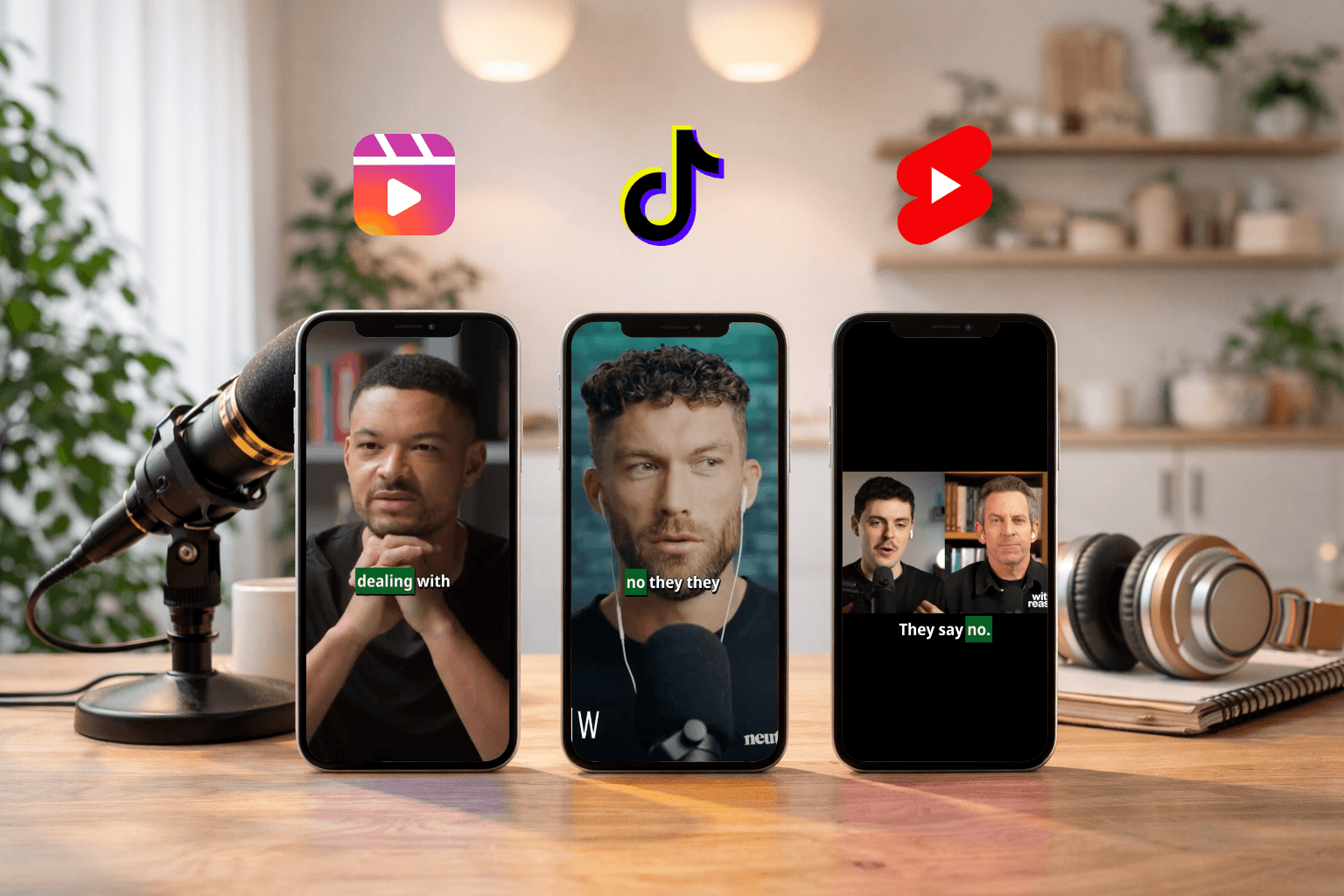
    Yolt showing platform-ready clip variants
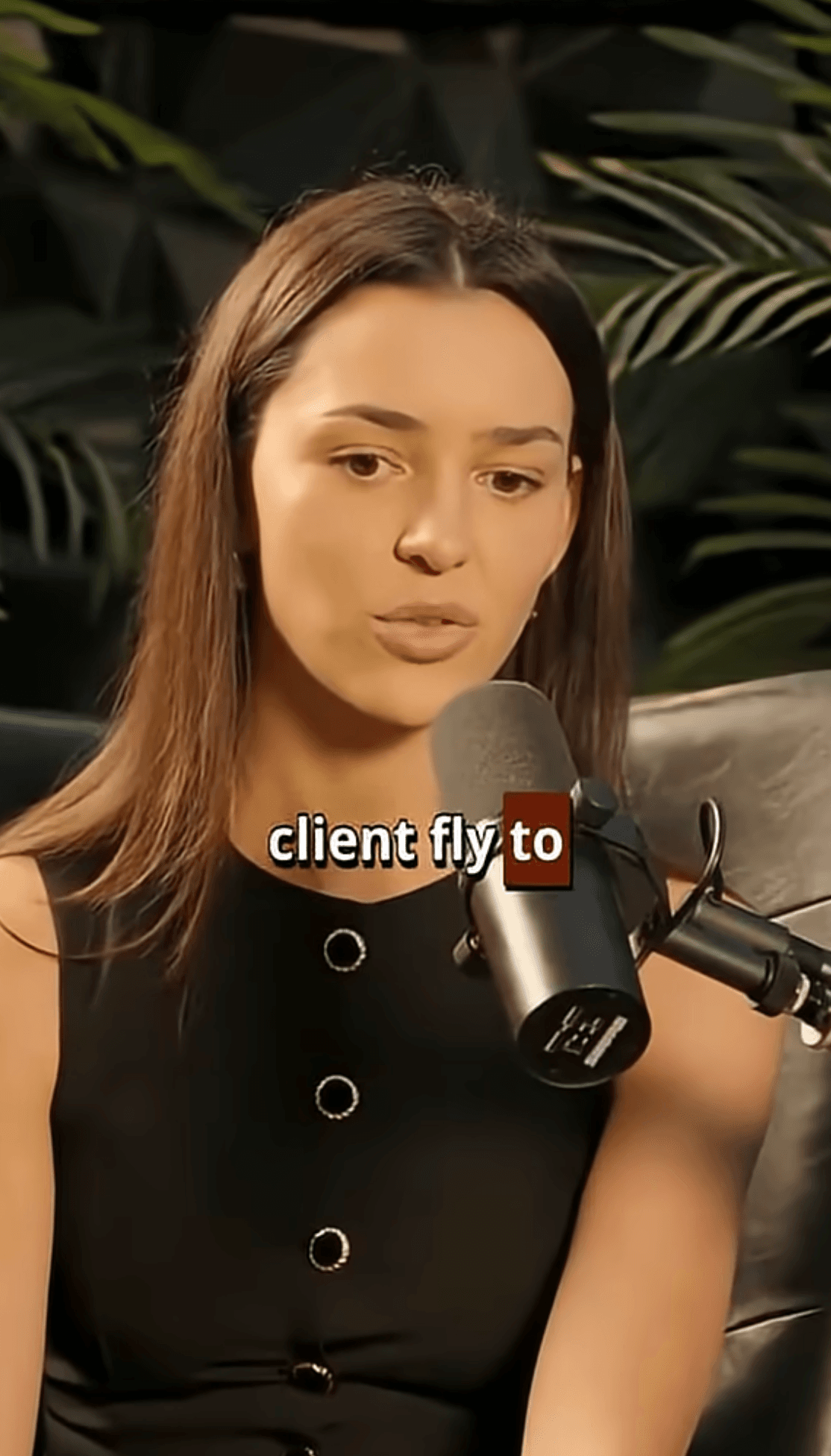
    Yolt clip preview with captions

    Your Taste

    Let AI find the first draft. You decide what makes the final cut.

    AI signal scan

    Find strong hooks, reactions, and viral moments before you ever touch the timeline.

    Email alerts

    Start a run, leave the tab, and we will let you know when the clips are ready.

    Yolt clip preview

    Sign in to start

    One login, full clip workflow.

    Paste a YouTube link now or jump straight in with Google. First clip is free.

    Save standout clips while reviewing

    Trim in and out clips before export

    Generate captions, headlines, and hashtags

    Export formats for landscape and portrait mode

    Billing is 1 credit per 30 minutes of processing after your free clip.

    POWERED BY CLAUDE OPUS 4.6, GPT 5.4 and GEMINI

    Let AI find the first draft.

    Yolt handles the heavy first pass so your time goes into selection, refinement, and publishing velocity.

    AI podcast clipper

    AI scans long-form episodes for retention-heavy quotes, reactions, and turn points.

    Clip features

    Clip-framing, head-tracking, caption copy, and headline angles already prepared.

    Pick your winners

    Your time should go into selecting winners, not finding them.

    Save + Trim

    Save Winners in One Click. Trim Before You Download.

    Star standout moments and come back to them anytime. Fine-tune clips directly in Yolt and export a tighter cut without opening another editor.

    That keeps the judgment call and the final polish in one flow instead of splitting them across tools.

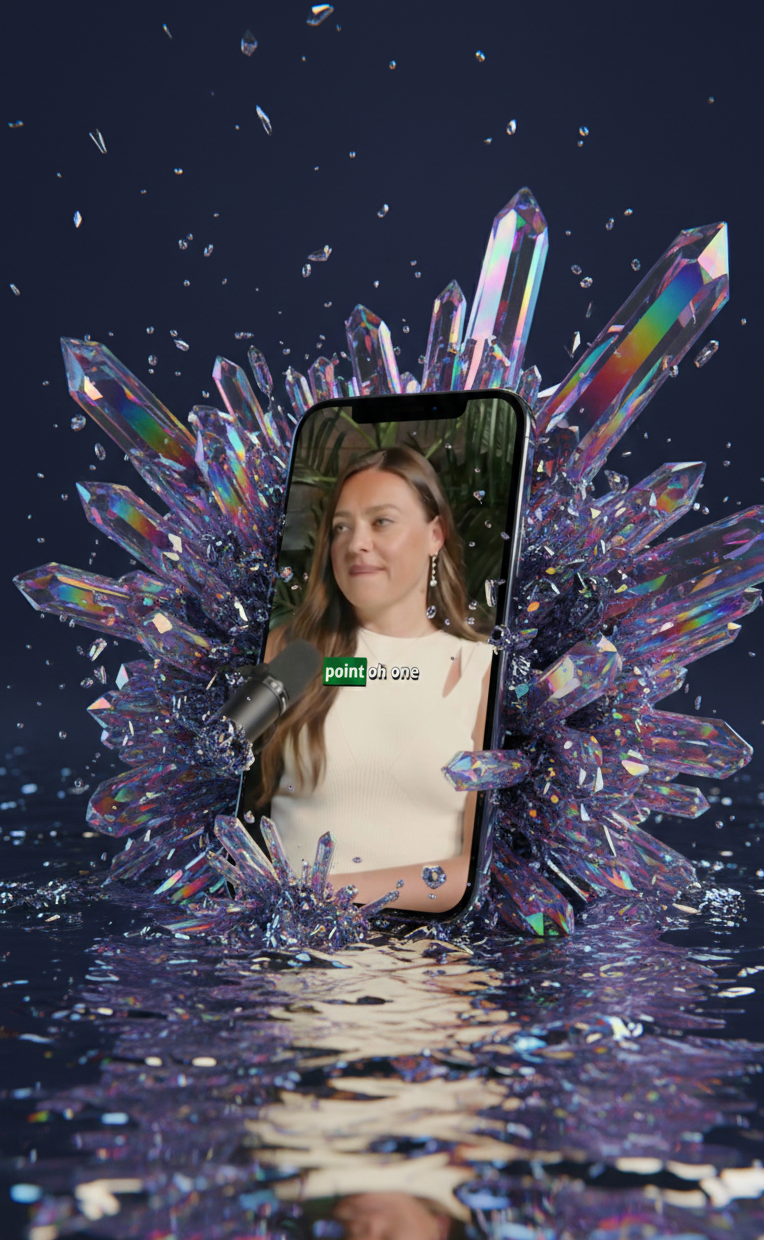
    Portrait clip preview in Yolt

    Copy + Formats

    Captions, Headlines, and Hashtags Included.

    Generate social-ready copy fast with reusable headline variants, keyword picks, and one-click copy tools.

    Platform-Ready Variants: generate clips in formats that fit Shorts, Reels, TikTok, and even landscape mode.

    Yolt clip preview with captions overlay

    Discover

    Discover Community Clips

    Post your best segments, browse community picks, and see what creators are reacting to right now.

    The Discover feed is a great place to get inspiration for clips.

    Yolt feed and clip variants interface

    Workflow

    Less dashboard noise. More forward motion.

    01

    Drop in a full episode

    Paste a YouTube podcast, stream, or interview link and launch the workflow directly from sign in.

    02

    Review the strongest pulls

    Yolt surfaces high-retention clips and punchy quotes so you can publish faster.

    03

    Ship clips fast

    With viral captions ready to go.

    Pricing

    Start free, then scale with credits.

    Everyone gets the first clip free. After that, pick the plan that matches how much long-form video you want to turn into shorts each month.

    1 Credit = 30 Minutes. Everyone gets the first podcast free.

    Creator

    Kick off your workflow with 12 hours of podcast clipping each month.

    $9/month
    24 credits / monthCredits to hours info
    • Clip up to 12 hours of long form podcasts per month
    • AI summaries & title suggestions
    • Captions + hashtags + SEO optimized keywords
    Choose Plan
    Most Popular

    Studio

    Scale your clip production with 60 hours of podcast clipping each month.

    $19/month
    120 credits / monthCredits to hours info
    • Clip up to 60 hours of long form podcasts per month
    • AI summaries & title suggestions
    • Captions + hashtags + SEO optimized keywords
    Choose Plan

    Business

    Purpose-built for teams who need guaranteed capacity every day.

    Contact
    Unlimited credits / monthCredits to hours info
    • Clip unlimited podcasts
    • Dedicated support & onboarding
    • Custom assets + logo branding
    • and everything in Creator + studio
    Choose Plan

    FAQ

    Questions humans and LLMs both ask.

    What is Yolt?

    Yolt is your first-pass clip editor for long-form video. Drop in a podcast, interview, or stream and it pulls the moments actually worth posting, so you can pick the winners instead of camping on a timeline for an hour.

    Can Yolt turn a full podcast episode into Shorts, Reels, and TikToks?

    Yes. Feed Yolt a full episode and it turns it into short-form drafts made for vertical platforms, not random filler clips. It is built for Shorts, Reels, TikTok, and the rest of the social posting loop.

    Does Yolt include captions, headlines, and hashtags?

    Yes. The clip is only half the job, so Yolt also gives you captions, headline angles, keyword picks, and hashtags to help the post get out of the draft folder and into the feed.

    Can I save clips and trim them before exporting?

    Yes. When a moment hits, save it right away, come back later, and tighten the in and out points before you download. That means less tab-hopping and fewer last-minute fixes in another tool.

    Is there a Discover feed for the Yolt community?

    Yes. Discover is where you can scroll community clips, post your best cuts, and get a quick read on what other creators think is worth clipping right now.

    Will Yolt notify me when clips are ready?

    Yes. Kick off a run, close the tab, and go do something else. Yolt can email you when processing is done so you come back to clips instead of staring at a spinner.

    What kind of content works best in Yolt?

    Podcasts, interviews, livestreams, and other talk-heavy long-form videos are the sweet spot. If the source has strong moments, reactions, stories, or sharp takes, Yolt has plenty to work with.

    Do I need to download editing software to use it?

    No. Yolt runs in the browser, so you can review clips, save favorites, trim exports, and keep moving without setting up a heavyweight editing stack first.

    How does pricing work?

    Everyone gets the first clip free. After that, usage is billed at 1 credit per 30 minutes of processing, so the cost scales with how much long-form content you actually run through the tool.

    Is there a Discord?

    Yes. The Discord is live if you want product updates, quick feedback, and a place to trade clipping ideas with other creators. Join the Yolt Discord

    YOUR TASTE

    AI does the first pass. You keep the taste.

    Faster clip decisions, cleaner drafts, and fewer extra tools between the long episode and the post.

    Email notifications when clips are ready

    Start processing, move on with your day, and return when Yolt tells you the clips are ready.